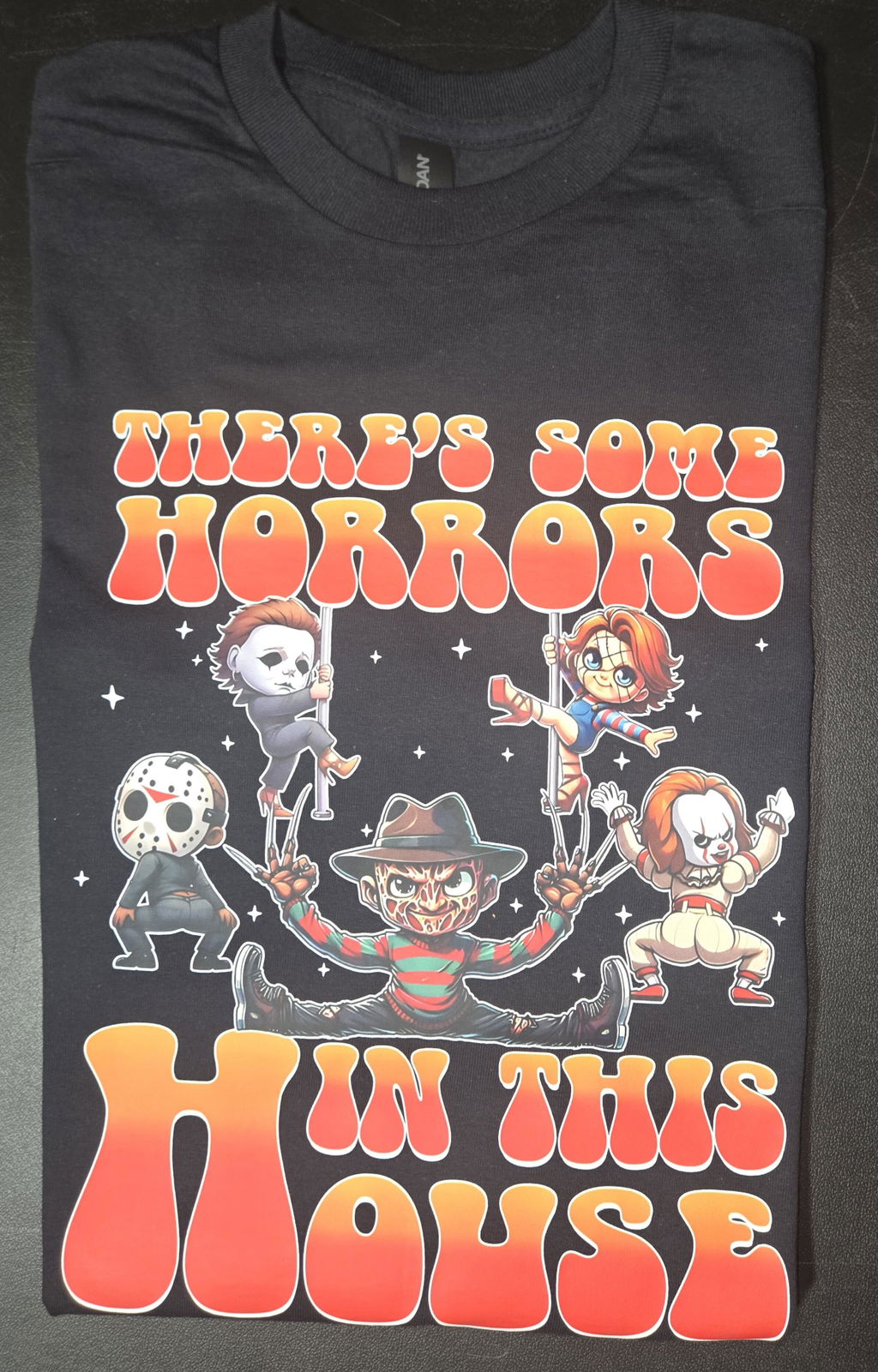
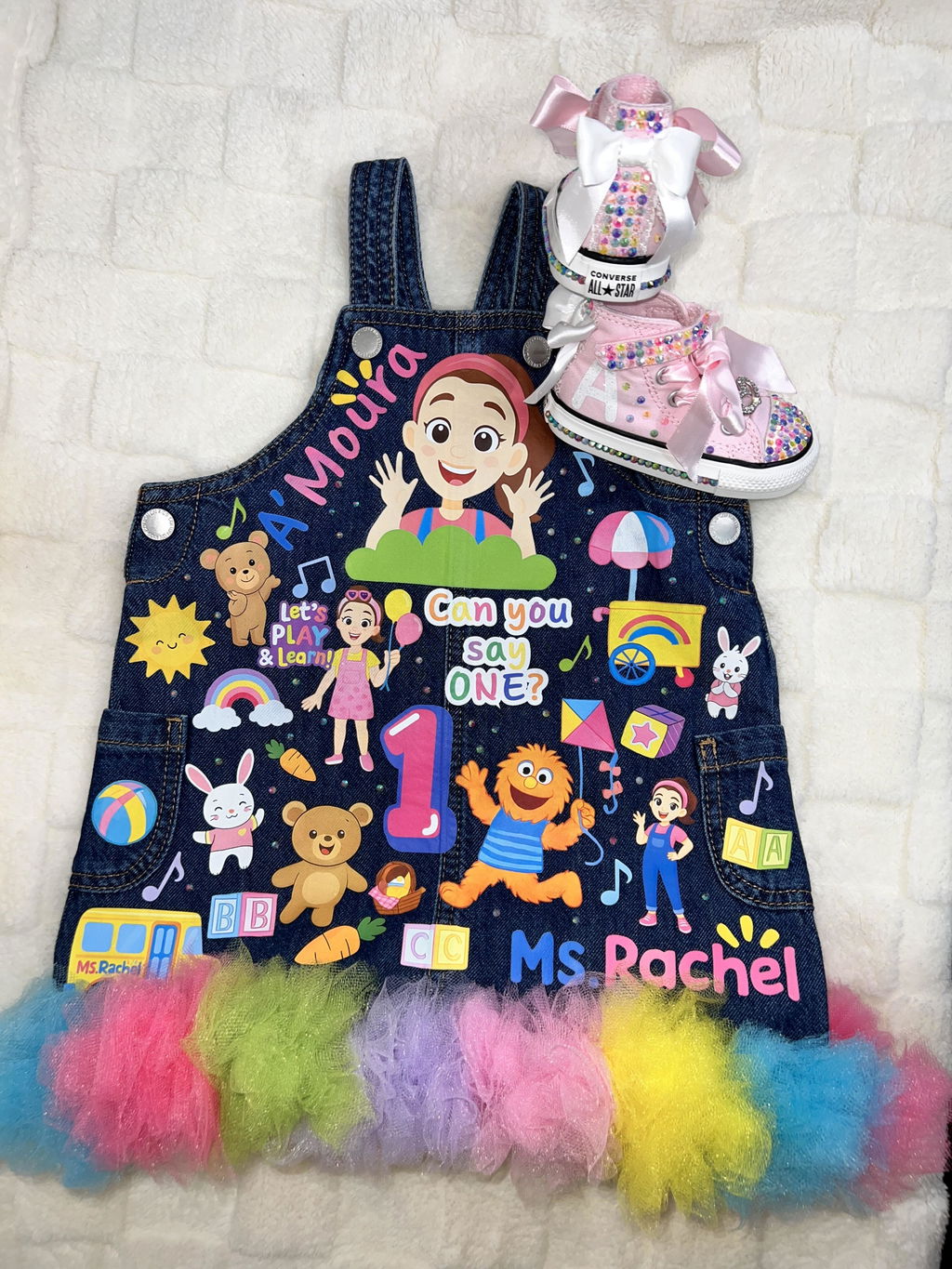
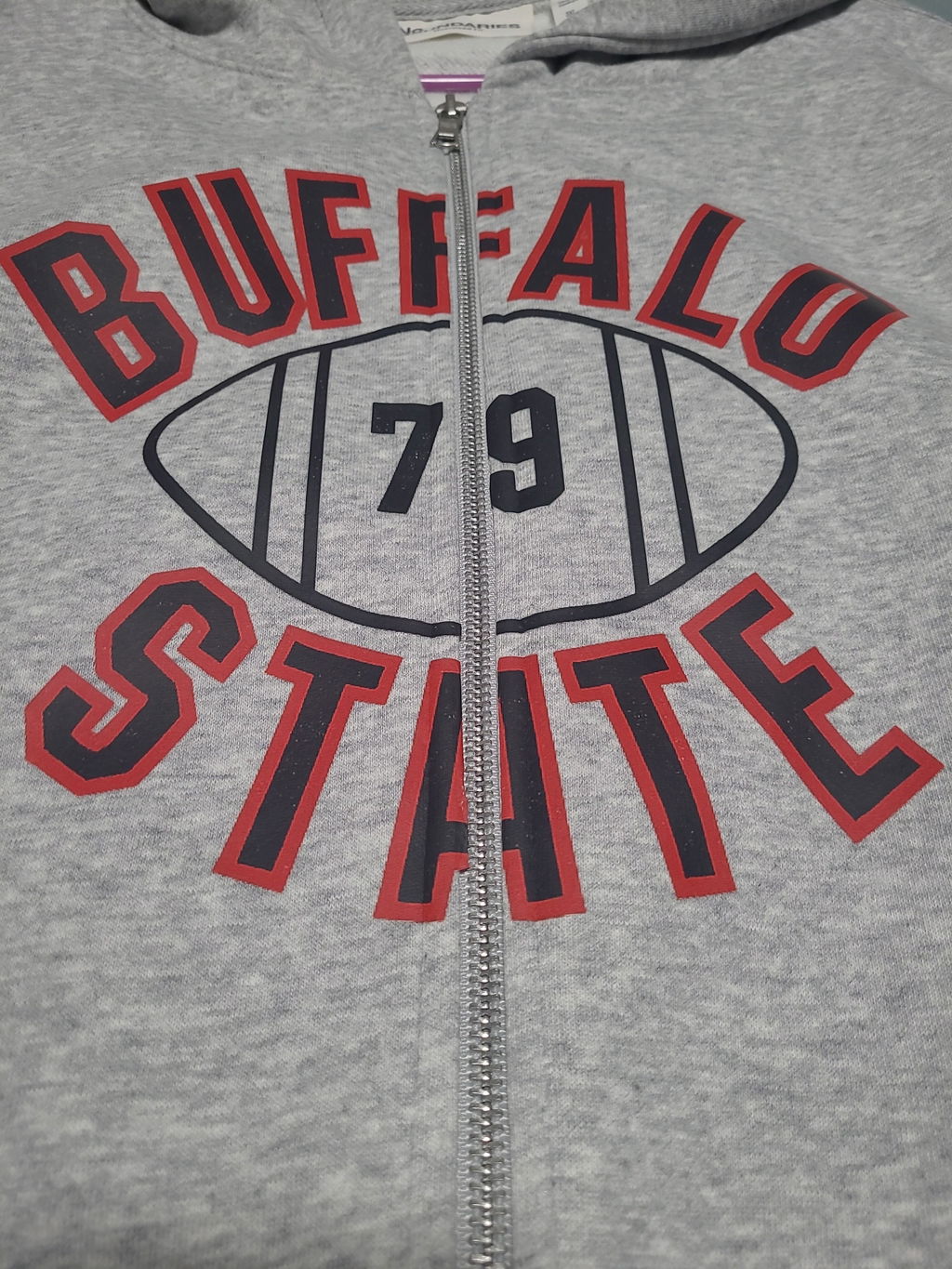
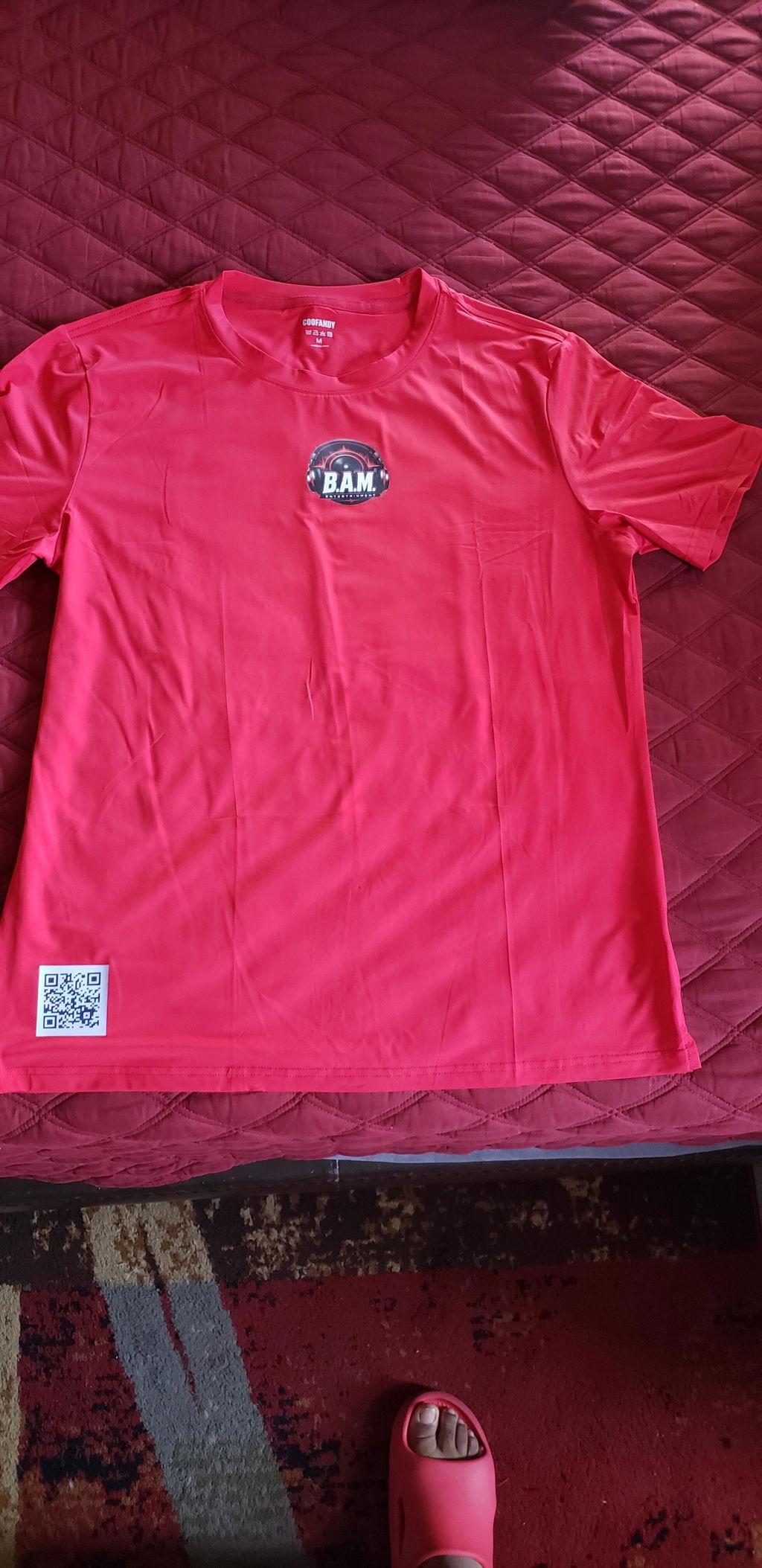
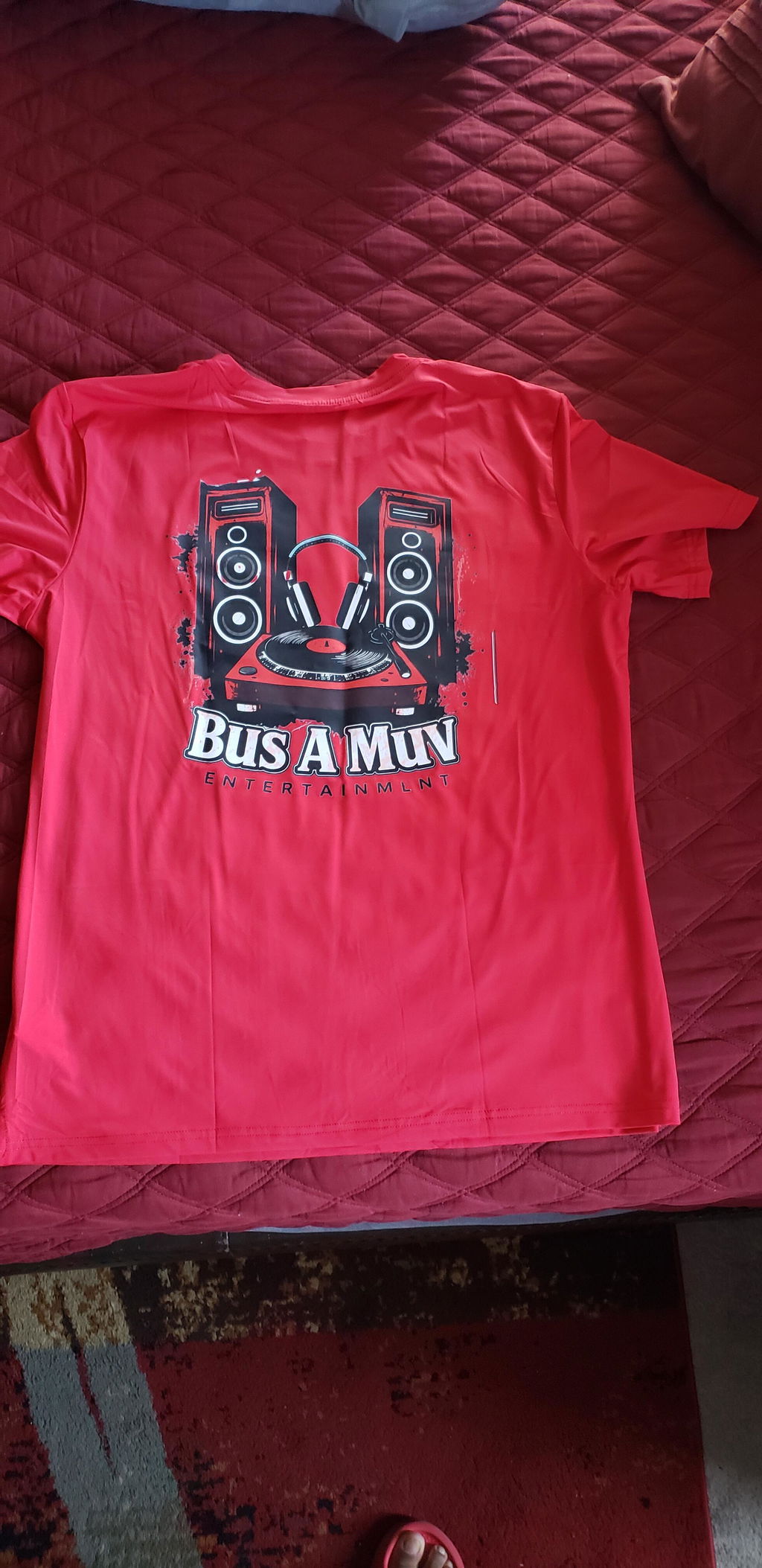
DTF Gang Sheet Builder lets you arrange multiple designs on one DTF gang sheet before placing your order. Upload logos, names, numbers, and other graphics, set their sizes, duplicate designs as needed, and organize your layout within the available print area. It is a practical way to prepare custom DTF transfers for apparel projects of different sizes.
Use the online builder when you want to create your gang sheet layout from individual artwork files. If your gang sheet is already complete and print-ready, you can use our DTF Gang Sheet upload option instead.
Build a Custom DTF Gang Sheet Online
A custom DTF gang sheet allows multiple graphics to share one production layout. Instead of preparing every logo or design as a separate project, you can arrange different transfer sizes and quantities together on the same sheet.
The DTF Gang Sheet Builder can be used to organize:
- Left-chest logos
- Full-front designs
- Full-back designs
- Sleeve graphics
- Names and player numbers
- Brand logos
- Labels and small artwork
- Multiple copies of repeated designs
How to Use the DTF Gang Sheet Builder
Start with your finished artwork sizes and required quantities. Knowing these details before building the sheet makes it easier to organize the available print area.
- Choose your gang sheet size.
- Open the DTF Gang Sheet Builder.
- Upload your artwork files.
- Set the required size for each design.
- Position your designs within the available sheet area.
- Duplicate artwork when multiple copies are needed.
- Check spacing, dimensions, orientation, and quantities.
- Review the complete gang sheet before submitting your order.
Taking a final look at the complete layout can help identify sizing, quantity, spelling, or placement issues before the gang sheet moves to production.
Available DTF Gang Sheet Sizes
The current builder uses a standard 22-inch gang sheet width with multiple length options. The right length depends on the dimensions of your designs, how many copies you need, and how efficiently the graphics can be arranged.
Smaller logos may allow more transfers to fit within the same sheet, while large front or back graphics require more print area. For additional planning guidance, see our guide to how many DTF transfers fit on a gang sheet.
Plan Your Gang Sheet Before Building
-
Count your designs: Identify every graphic that needs to be included.
-
Confirm finished sizes: Record the required width and height of each transfer.
-
Set quantities: Determine how many copies of each design you need.
-
Group related artwork: Organize logos, names, numbers, and placement-specific graphics.
-
Select a sheet length: Choose a size that can accommodate your planned layout.
Prepare Print-Ready Artwork
Good artwork preparation is an important part of building a DTF gang sheet. The current artwork instructions recommend PNG or PDF files with a minimum resolution of 300 DPI.
Low-resolution artwork can lose clarity when printed. Check the original file before uploading it, especially if the design contains small text, fine details, or transparent areas.
DTF Gang Sheet Artwork Checklist
- Use PNG or PDF artwork.
- Prepare files at a minimum of 300 DPI.
- Confirm the finished dimensions of each design.
- Check spelling in names, numbers, and text.
- Review artwork orientation and alignment.
- Use a transparent background when required.
- Check the complete sheet before ordering.
Combine Different Transfer Sizes on One Gang Sheet
Not every apparel project uses one transfer size. A branded shirt, for example, may need a small left-chest logo and a larger back graphic. Another order may combine sleeve artwork, employee names, numbers, or smaller branding elements.
The DTF Gang Sheet Builder allows these different graphics to be arranged within the same sheet when they fit the selected dimensions. This gives you more control over how the available print area is used.
Example Gang Sheet Layout
A business apparel order could require:
- 10 left-chest company logos
- 10 larger back graphics
- 5 employee names
- Additional logos for replacement garments
Rather than treating these graphics as unrelated print jobs, they can be planned together according to their actual sizes and required quantities.
How Many DTF Transfers Fit on a Gang Sheet?
There is no single number that applies to every gang sheet. Capacity depends on the sheet length, transfer dimensions, quantities, design orientation, and spacing between graphics.
For example, a sheet containing small left-chest logos can hold more individual transfers than a sheet filled with large full-front or full-back graphics. Planning your finished dimensions before opening the builder makes it easier to estimate the space you need.
DTF Gang Sheet Builder vs. Ready-to-Print Gang Sheet
Choosing the right workflow depends on how your artwork is currently prepared.
Use the DTF Gang Sheet Builder when you have individual artwork files and want to arrange them online. The builder gives you control over design placement, sizing, and quantities within the sheet.
Use the ready-to-print gang sheet option when you have already created the complete layout in your own design software. In that case, visit the Custom DTF Gang Sheet page and upload your finished file.
Who Can Use a DTF Gang Sheet Builder?
Gang sheets can support both small custom projects and larger recurring apparel orders. They are especially useful when a project includes multiple graphics, different transfer dimensions, or repeated artwork.
- Custom t-shirt businesses
- Clothing brands
- Print shops
- Small businesses
- Schools and organizations
- Sports teams
- Work uniform programs
- Event merchandise projects
- Promotional apparel orders
Why Use a DTF Gang Sheet Builder?
The main benefit of a DTF Gang Sheet Builder is layout control. You can organize multiple graphics around the actual requirements of your apparel project instead of preparing every design independently.
- Arrange multiple designs on one gang sheet.
- Combine different transfer sizes.
- Duplicate frequently used graphics.
- Plan quantities before ordering.
- Organize artwork by apparel placement.
- Use the available sheet area more effectively.
- Keep related artwork together in one layout.
Save Your Gang Sheet Details for Future Reorders
If you expect to order the same apparel again, save the specifications from the approved gang sheet. Keeping a simple production reference can make future orders easier to reproduce without relying on memory.
- Approved artwork version
- Finished transfer dimensions
- Gang sheet size
- Quantity of each design
- Front, back, sleeve, or other placement
- Garment or project reference
This can be especially useful for businesses, schools, teams, print shops, and organizations that periodically reorder the same branded apparel.
Explore More DTF Transfer Options
If you need transfer options beyond custom gang sheets, explore our DTF Transfers collection to review additional DTF transfer solutions.
If you produce transfers in-house, you can also explore our DTF Supplies for additional production options.
Frequently Asked Questions About DTF Gang Sheet Builder
What is a DTF Gang Sheet Builder?
A DTF Gang Sheet Builder is an online layout tool used to arrange multiple graphics on a single gang sheet before submitting the sheet for DTF printing.
Can I put multiple designs on one DTF gang sheet?
Yes. Different logos, names, numbers, labels, and other graphics can be arranged together as long as they fit within the selected gang sheet dimensions.
Can I use different transfer sizes on the same gang sheet?
Yes. Small logos, larger front or back graphics, sleeve designs, and other transfer sizes can share the same sheet when the layout provides enough space.
What width is the DTF gang sheet?
The current DTF Gang Sheet Builder uses a standard 22-inch sheet width with multiple length options.
What file types can I use for my artwork?
The current artwork instructions recommend PNG or PDF files. PNG is particularly useful for artwork that requires a transparent background.
What resolution should DTF artwork be?
The current artwork guidelines specify a minimum resolution of 300 DPI for print-ready files.
Can I duplicate a design on the gang sheet?
Yes. Repeated logos or other graphics can be duplicated according to the quantities required for your apparel project.
What if my gang sheet is already designed?
If you already have a complete print-ready layout, you do not need to rebuild it in the online builder. Use the DTF Gang Sheet upload option to submit your prepared gang sheet.
Build Your DTF Gang Sheet Online
Before starting, confirm your artwork files, transfer dimensions, quantities, and intended garment placements. Then open the DTF Gang Sheet Builder, arrange your designs within the selected sheet, review the complete layout, and prepare your custom gang sheet for ordering.
```